🏢 Ticketing and IT asset management systems
During IT operations, handling support requests, tracking incidents, and managing IT assets manually often leads to information loss, slow response times, and poor control. IT ticketing and asset management systems are designed to help businesses standardize IT processes, improve operational efficiency, and reduce risks.
This solution is especially suitable for businesses with internal IT teams or those using outsourced IT services.
⭐ Why Do Businesses Need IT Ticketing & Asset Management Systems?
An IT ticketing and asset management system helps businesses to:
Centralize IT requests and support tickets (incidents, support, changes)
Track ticket progress clearly and transparently
Evaluate IT performance through reports and metrics
Manage IT assets centrally (computers, network devices, software)
Reduce risks of asset loss and misuse
Implementing a ticketing system enables IT teams to work with structured processes, minimizing reliance on scattered communication via email, chat, or phone calls.
⚙️ IT Ticketing & Asset Management Solutions
We deploy solutions tailored to different business models, including:
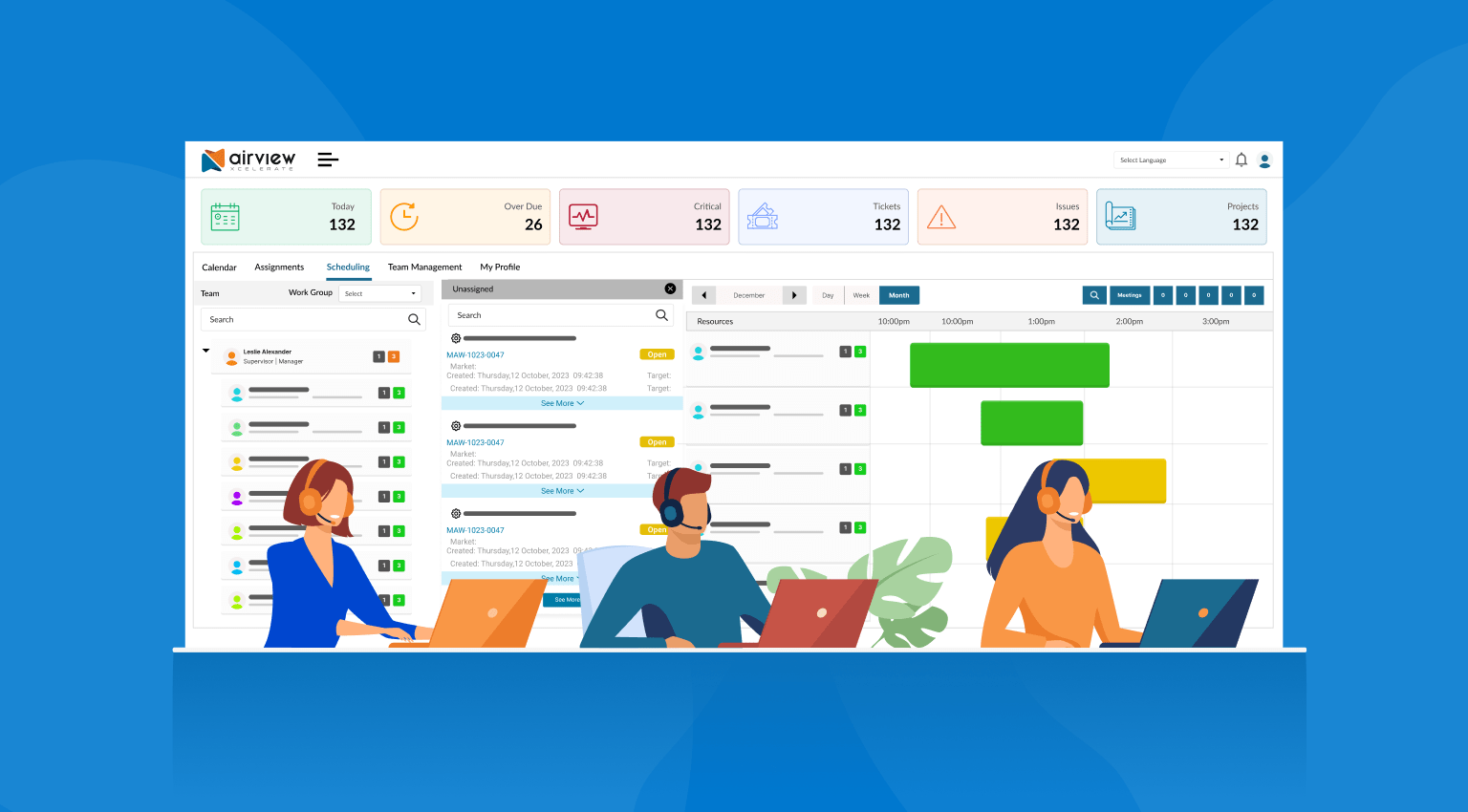
IT ticketing systems (Helpdesk / Service Desk)
IT asset management systems
User and support team role-based access control
Ticket status tracking and notifications
Performance reporting, analytics, and evaluation
Our solutions are designed to be flexible, user-friendly, and scalable according to business needs.
🔄 Process Optimization – Improving Work Efficiency
Implementing a ticketing system allows businesses to:
Standardize IT request intake and resolution workflows
Reduce incident response times
Prevent missed or duplicated requests
Improve collaboration between departments
At the same time, centralized IT asset management helps businesses maintain visibility into asset status, usage lifecycle, and investment planning.
🔐 IT Asset Management – A Critical Operational Component
IT assets typically include:
Computers, laptops, and servers
Network devices, Wi-Fi systems, and firewalls
Software and licenses
System accounts and access permissions
Ineffective asset management can lead to loss of control, unnecessary costs, and security risks.
🎯 Investing in IT Ticketing & Asset Management – A Long-Term Solution
For businesses, IT ticketing and asset management systems provide:
Professional and standardized IT workflows
Clear, transparent, and measurable operational performance
Strong asset control and improved security
Readiness for scalability and digital transformation
✨ IT ticketing and asset management systems form a solid foundation for efficient and sustainable IT operations. Deploying the right solution from the beginning helps businesses reduce costs, minimize risks, and enhance overall productivity.